Stores can now offer multiple logo options! When multiple logos are enabled, customers can choose from the logos when placing their gear orders.
The SLA for adding an additional logo is 7 days.
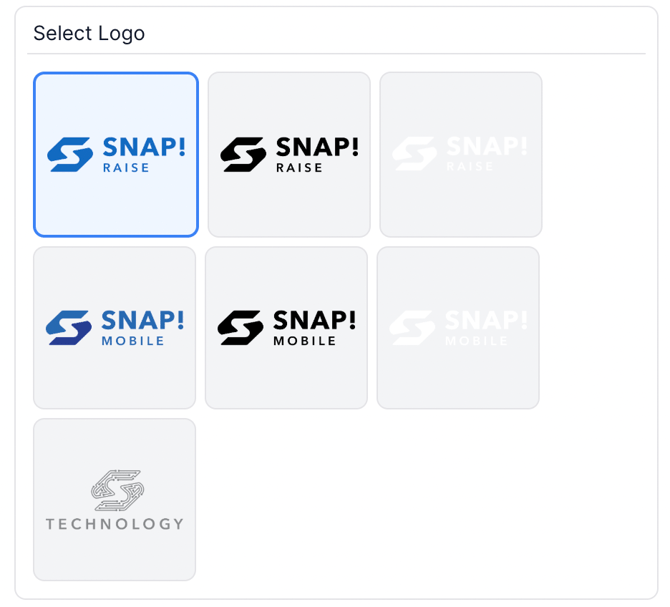
Once customers select their item size (if applicable), they'll be prompted to choose from the store's available logo options. Here's an example:
See the external article about multiple logos here: Can I Add Multiple Logos To My Store?
Sending a Multiple Logo Request to Ecomm Ops
- Gather the necessary info from the group leader:
- Logo files
- Any design notes
- Which logo should be the primary one? (The primary logo is displayed on the main store page and will be used for OTK/rewards if applicable.)
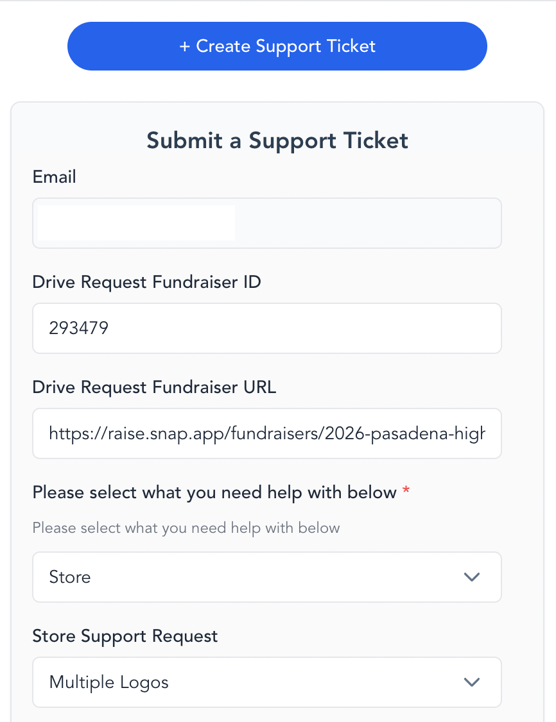
- Create a ticket via Drive
- Select Store > Multiple Logos
- Include any design notes and a note about which logo is the primary one
- Attach the logos
- Select Store > Multiple Logos