
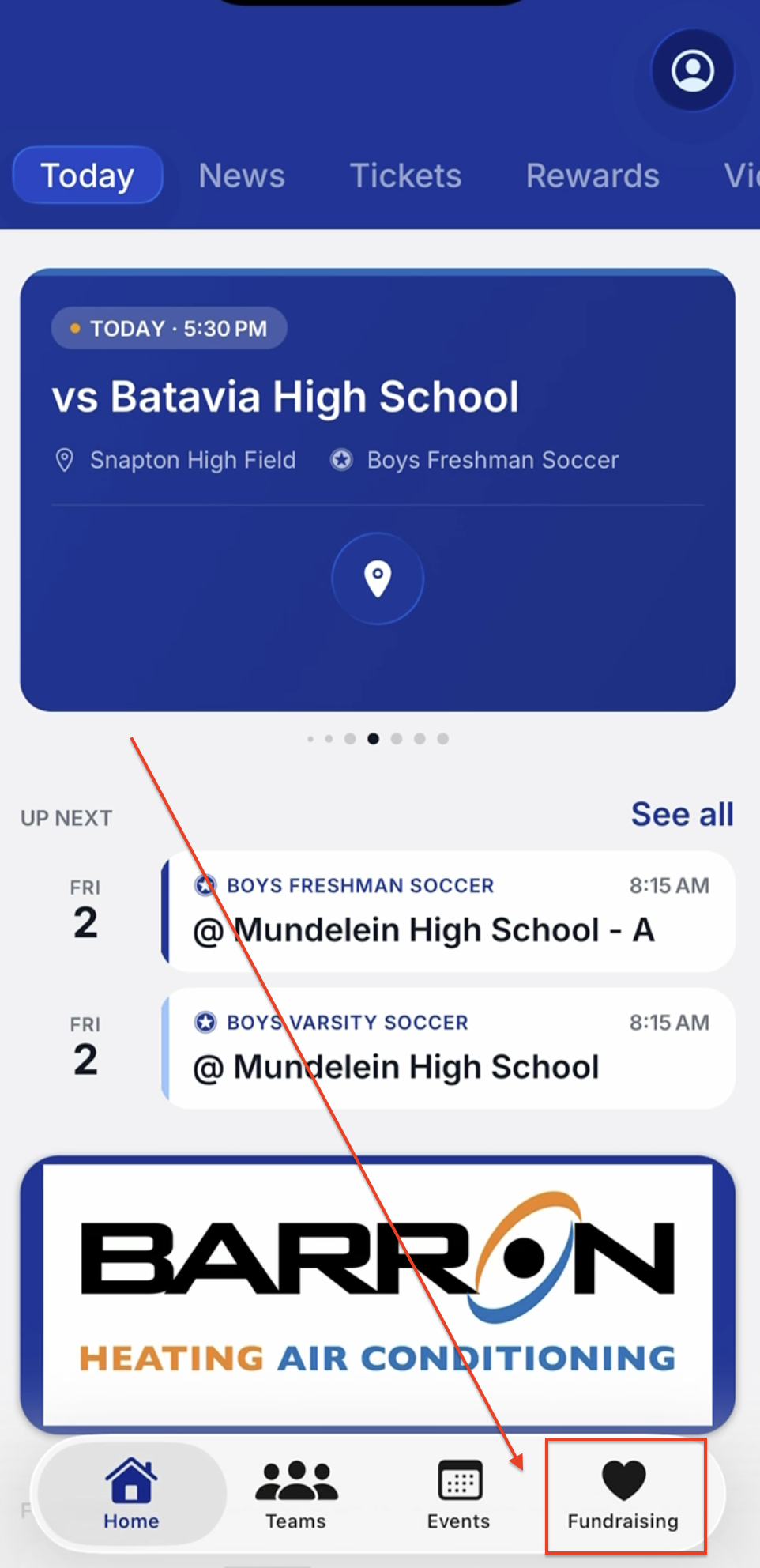
You can access a fundraiser as a Group Leader, participant, or donor directly in the Snap! Mobile app! or school's FanX app. Upon opening the app, there will be an image with the banner "Snap! Raise". This is the fundraising card. Below shows the expected flow once the "Snap! Raise" card is clicked for each user type (Student/Participant, Donor/Fan, Admin/Group Leader).
Donor/Fan View
If you are a school fan or potential donor, the fundraiser card will show current active fundraisers you can donate to. There will also be a link at the bottom titled "Looking to participate in a fundraiser?" in case a user is redirected incorrectly, which will display a spot to enter a 9-digit code to join a fundraiser.
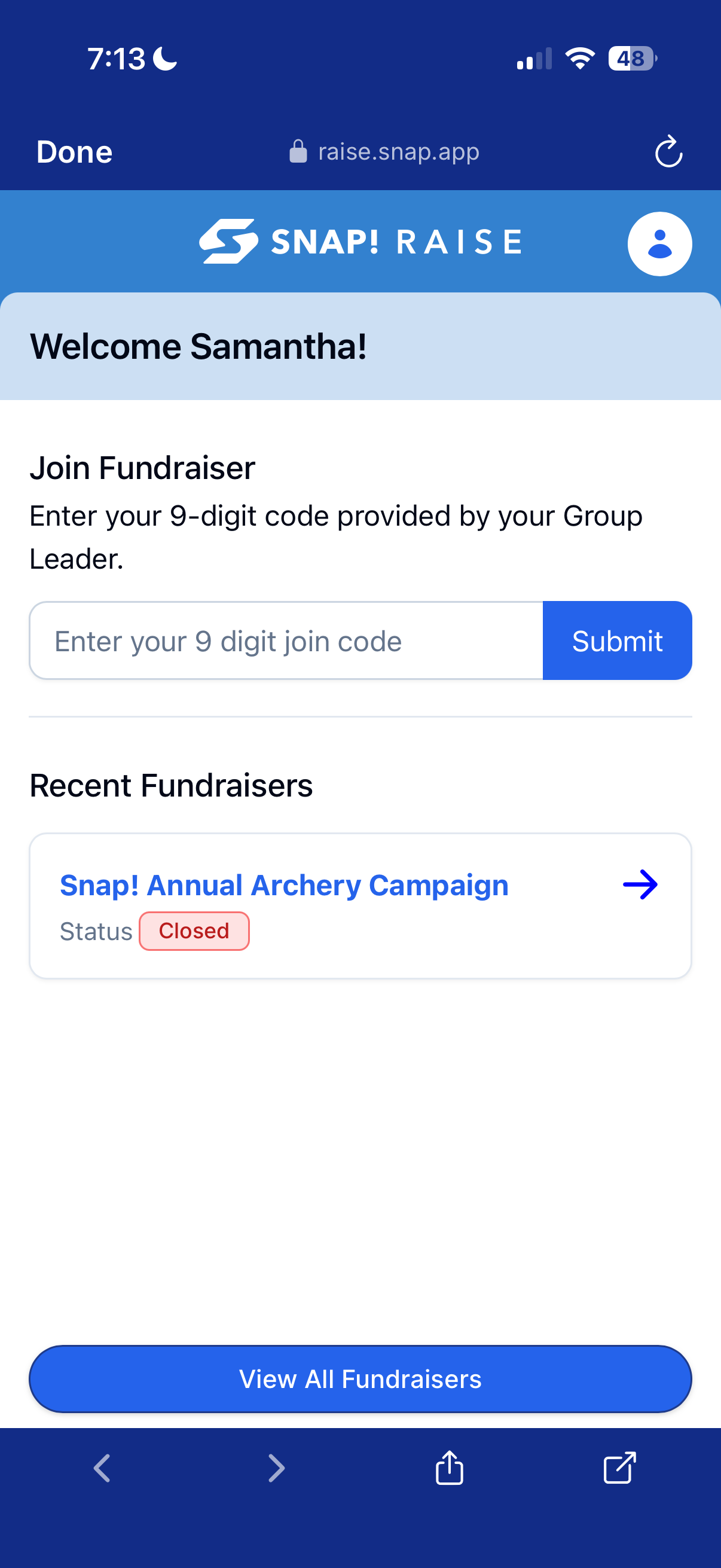
Student/Participant View
If you are a student or participant who is part of a fundraiser, clicking the fundraiser card will show you any fundraisers you may already be a part of, as well as a spot to enter your 9-digit code to join a new fundraiser.
 .
. 
Group Leader
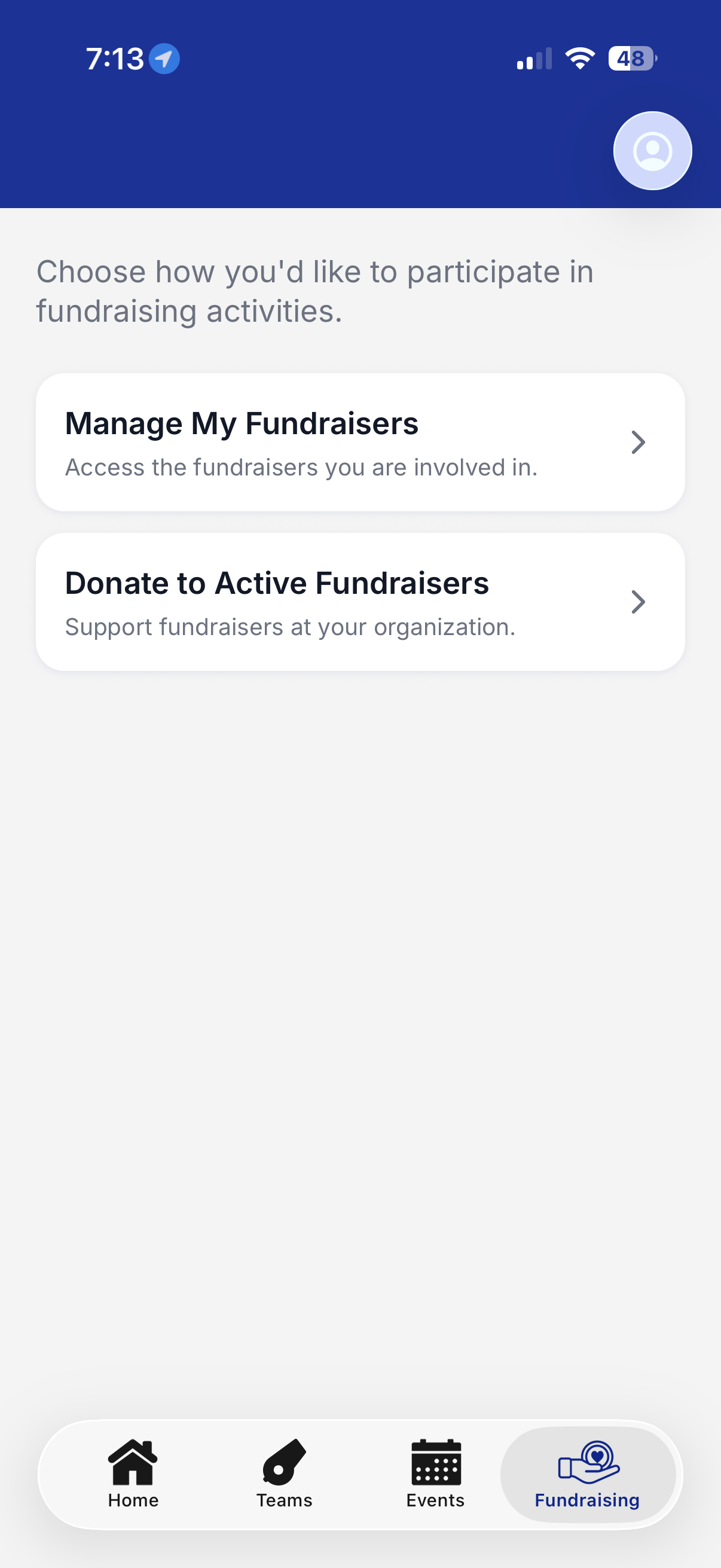
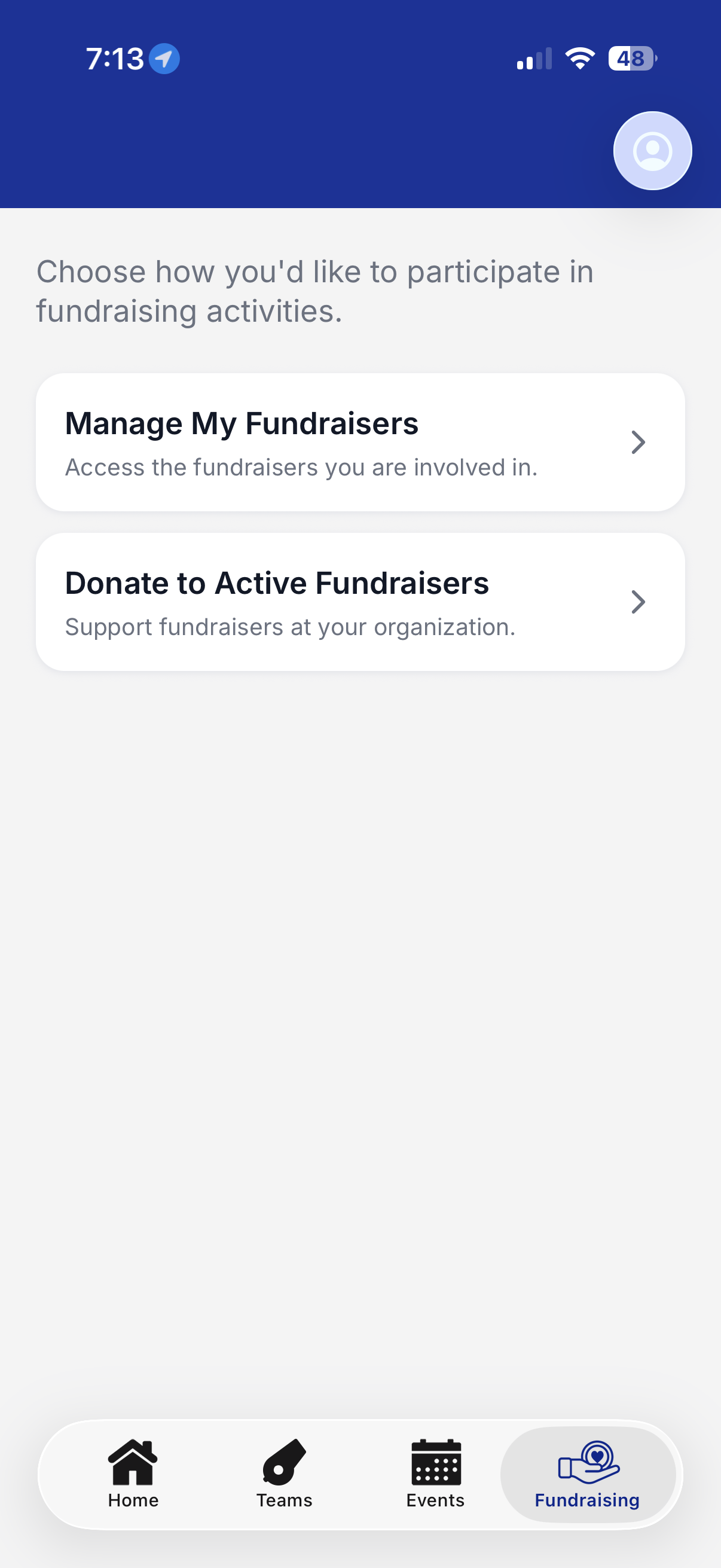
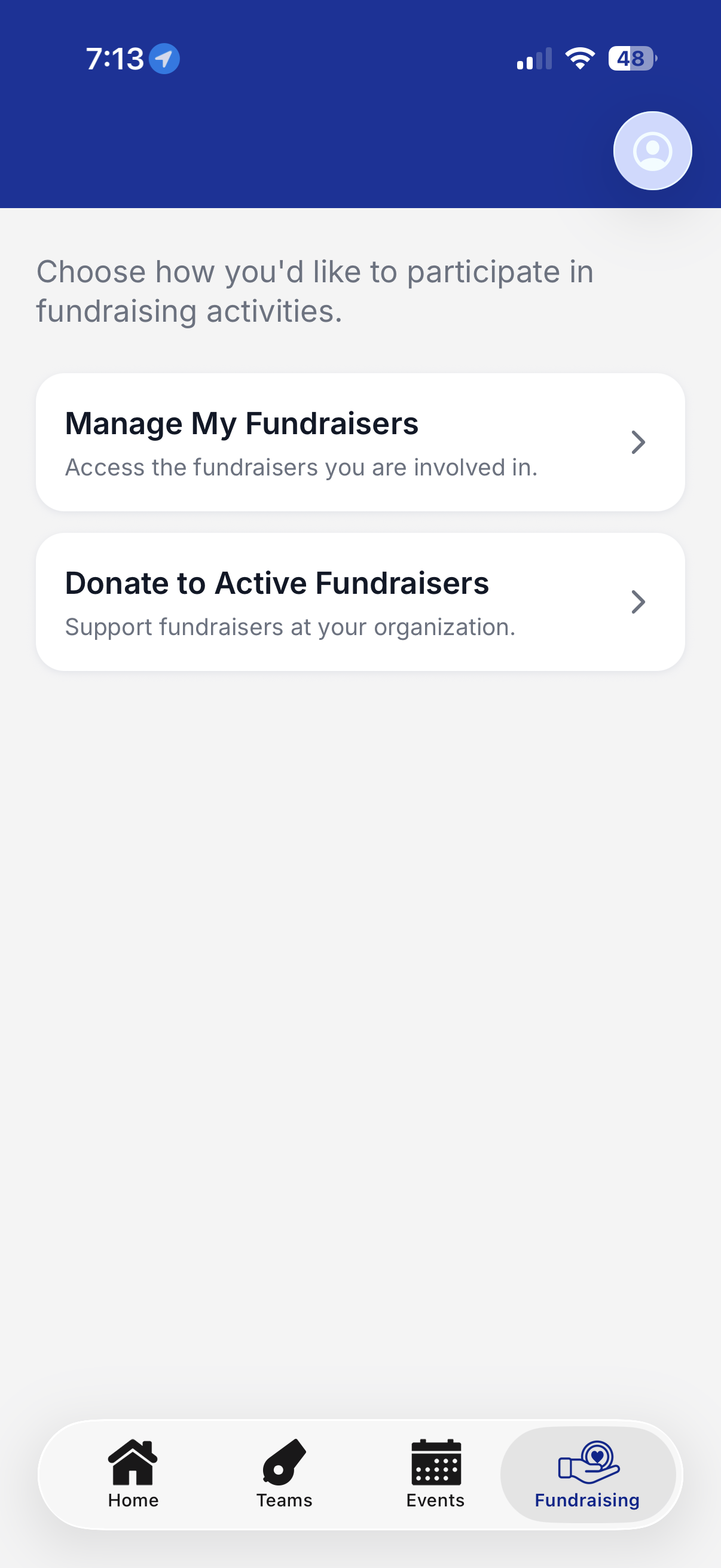
If you are a group leader, you will be presented with two options upon clicking the fundraiser card.
-
Manage My Fundraisers- this will take you to your active fundraisers, as well as provide a spot for you to enter in your Group Leader code to join a fundraiser.
- Donate to Active Fundraisers- this will open up all active fundraisers within the organization.
Still have questions? Please submit a ticket to FanX Support via fanx.support@snapraise.com!