

Welcome to Snap! Insights!
1. In order to access your dashboard, go to https://accounts.snap.app/login and log in with your username and password
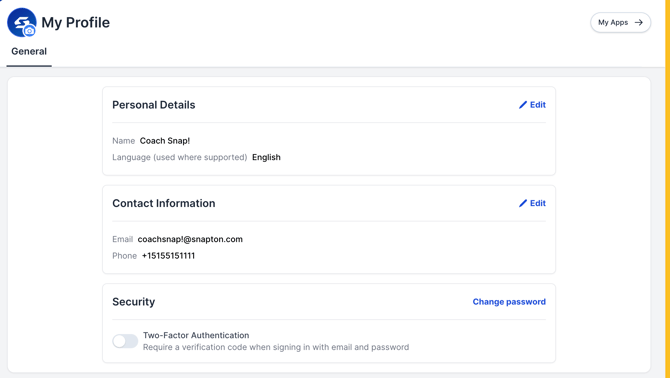
2. You will be directed to your "My Profile" page
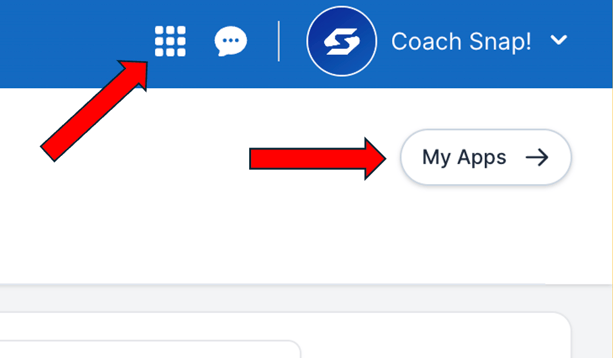
3. From here, you can click either My Apps or the 9 squares --> both will take you to the same place. From here, click Insights
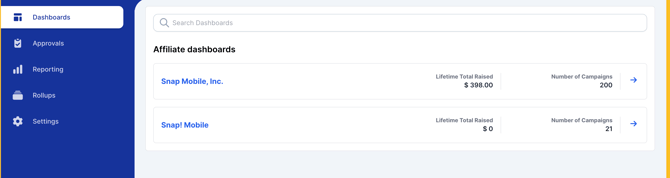
4. You are now on your Insights dashboard!
If you have any questions at all, please reach out to our support team at support@snapraise.com and we will be happy to assist!