
If you are using Snap! Manage as well, you won't need to add a game in the FanX portal, as those will sync over from Manage! This article is for users not currently utilizing Snap! Manage.
Click here for a walkthrough of adding a Game: How To Add A New Game To The App Portal
You can add individual games to the FanX portal by doing the following:
1. Under the "App Content" tab, select "Games".

2. Click "+ Add New Game" in the upper right-hand corner.
3. Fill in the appropriate fields about the game. There are many fields on this page, and you can make it as detailed as you would like!
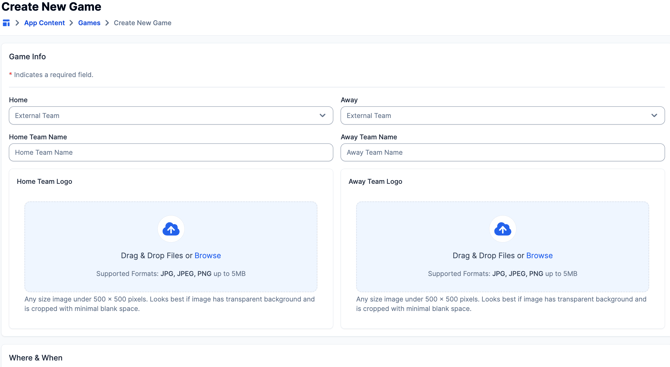
4. Click "Create Game". This will move your game to "Drafts".
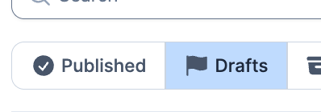
Games added will stay in "Drafts" until published, which means they will not be shown on the app until you select "Publish". This is a great feature to get ahead of the scheduling!
5. If you're ready to publish your games to the app, toggle to the "Drafts" option, and click the blue check-mark icon under "Actions" to publish to the app!

Still have questions? Please submit a ticket to FanX Support via fanx.support@snapraise.com or reach out to your Account Manager.