
Start by logging into your portal HERE. If you notice your Game time says "TBD" on your App, here are a few things you can check to troubleshoot:
Check Integration
If you use an integration, check that the times are entered correctly by looking at the integration platform itself (Snap! Manage, Arbiter, RankOne).
If the times need correcting, correct them on the integration platform and allow sync time to update the app portal and app automatically.
Check Game Status on the App Portal
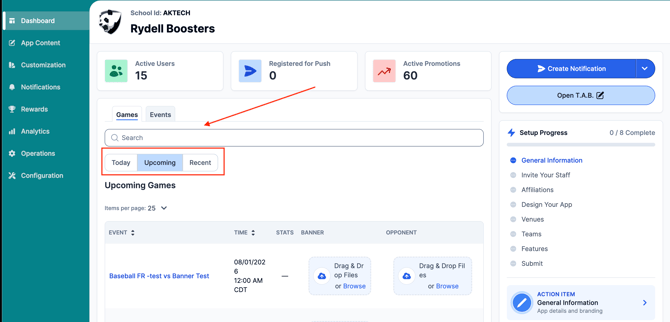
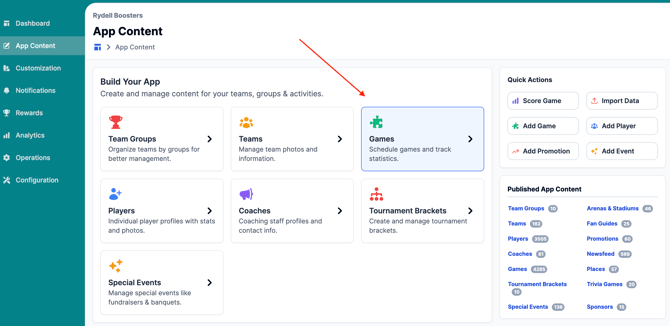
1. Start by searching for the event from the dashboard or visiting the App Content Tab in the left-hand navigation panel to interact with the Games App Content Library.
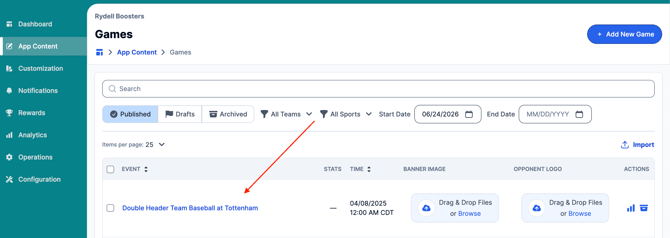
2. Select the game you wish to cancel by clicking on the title of the game in blue.
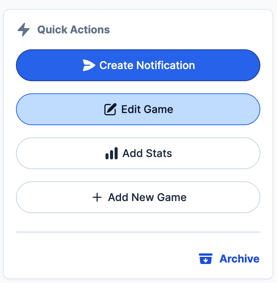
3. Click the Edit Game button on the quick actions menu.
4. Locate the "Game Status" and change it to "On Time"
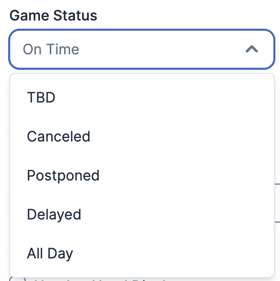
5. Save the game and allow the app to refresh to see your changes.
Still have questions? Please submit a ticket to FanX Support via fanx.support@snapraise.com.