
If you are looking to add a location to your map directly, please see THIS ARTICLE.
Add Directions Using URL
1. From your Game list, select the game you need to add directions for.
2. Click "Edit Game"
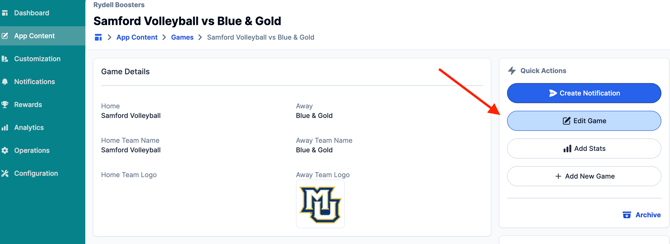
3. Scroll down to the URL section of the event, and click "Add URL".
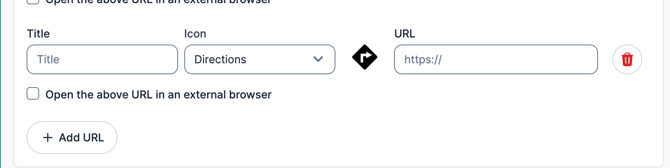
4. Change the "Icon" to Directions. Add a Title and the URL (Google Maps, or any other map directions). Choose whether you'd like to open the URL in a different browser.
5. Save the game once finished!
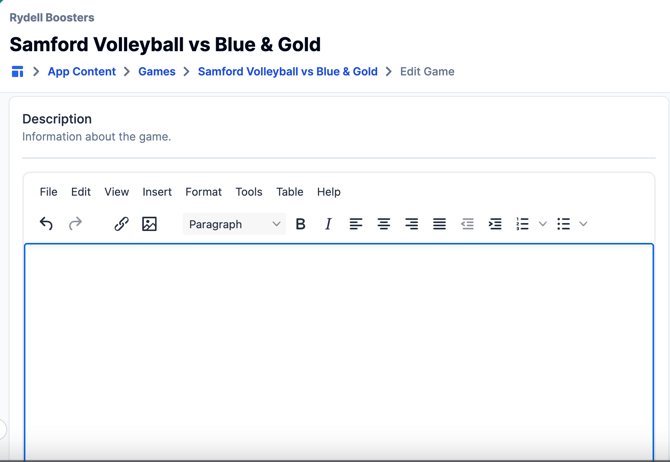
You can also add written directions by entering them in the description box at the bottom of the page:
Still have questions? Please give us a call at 276-531-9260 or email us at fanx.support@snapraise.com with additional inquiries!