

The Settings tab gives you the ability to make edits to notifications and also to submit/adjust your Vault submissions. Keep reading for more information.
Notifications
For information on how to edit Notifications preferences, see this article.
What is the Notifications Settings page?
The Settings page lets you control which email alerts you receive and which organizations you want to stay informed about.
What types of email notifications can I receive?
You can opt in or out of four event-based email alerts:
- A new fundraiser has been created - get notified when a new fundraiser is started.
- Fundraiser has been finalized - receive an alert when a fundraiser is closed out or completed.
- Checks have been sent - be informed when physical checks have been mailed.
- Direct deposits have been made - get notified when funds are deposited electronically.
What are Organization Notifications?
This section lets you choose which organizations you want to receive notifications about. This is useful if you're affiliated with multiple schools or groups and do not want to receive an abundance of notifications.
Snap! Vault Financial Profile
This tab allows you to see any and all Vault profile statuses in one place, rather than clicking into each individual organizations dashboard.
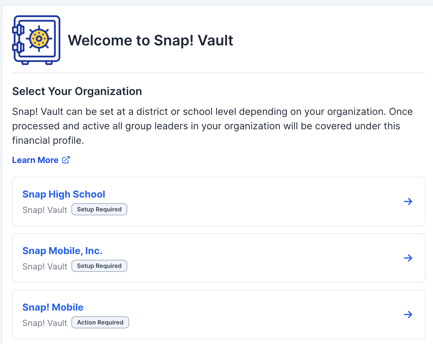
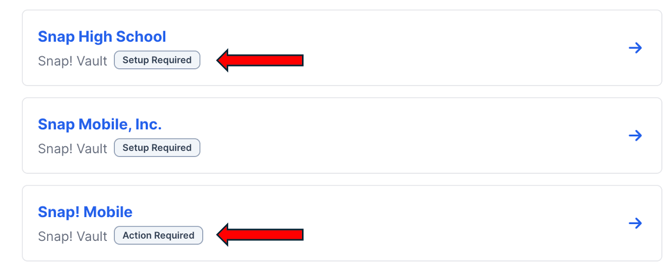
If you're connected to multiple organizations, this view brings all your Vault account setups together in one place - making it easy to see which accounts still need setup, are pending verification, or are fully verified and ready to go
If you have any questions regarding the Settings tab, please reach out to support@snapraise.com