

For more insight into all of the orders attached to your Store, check out the Orders tab!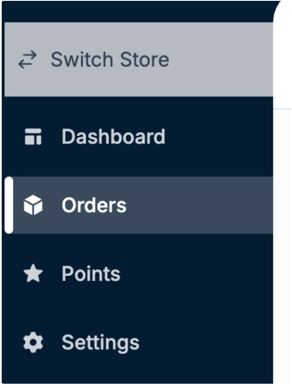
From here, you can see a breakdown of the orders placed for your Store, the total sales, and order statuses. 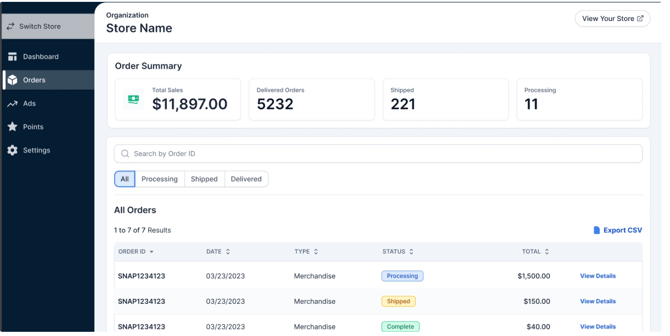
Clicking the View Details on the far right of the order will give you insight into what items were ordered and how many points you earned from that purchase.
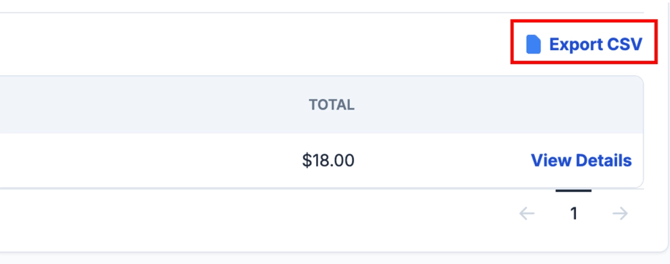
The Export CSV feature is useful if you would like to share the data with someone who is not a Store Admin.
For any questions regarding the orders connected to your Store, please reach out to our support team at store.support@snapraise.com. We’re happy to help!