

The Setting tab on your Stores dashboard gives you the ability to deactivate/activate your store, adjust the name, and adjust the product catalog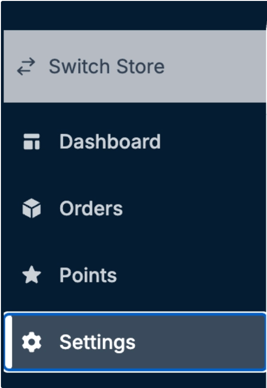
General Settings - 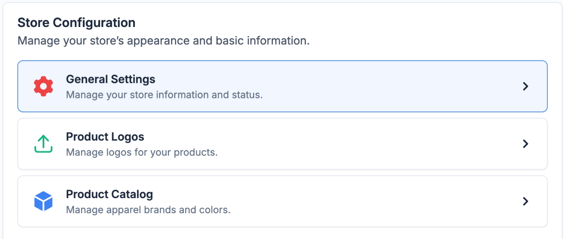
From here, you can edit the name of your Store, change the primary color, or deactivate.
If you need to deactivate your Store, any Store is able to be reactivated. You’ll just locate to this page and click Reactivate.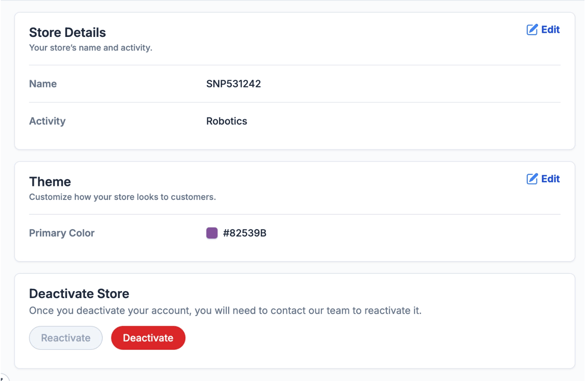
Product Logos -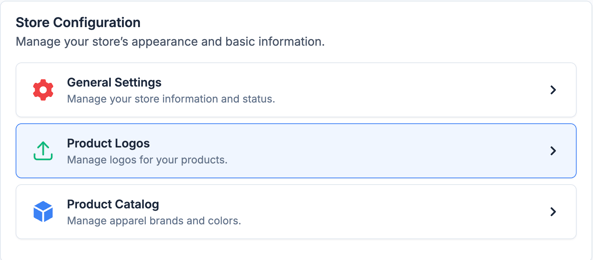
This tab currently gives you insight into the logos that are present on your Store. Keep an eye out for a special update coming to this page soon! 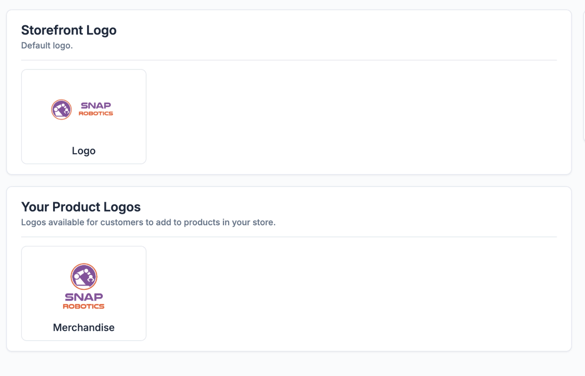
Product Catalog - 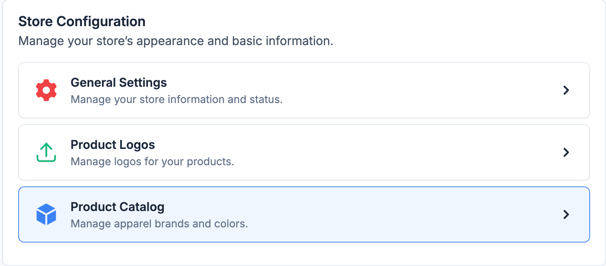
If your organization only arrowed to work with certain brands or colors? If so, no problem! From this tab, you have the ability to disable certain brands or color options.
Please note: some brands and colors are required to stay enabled.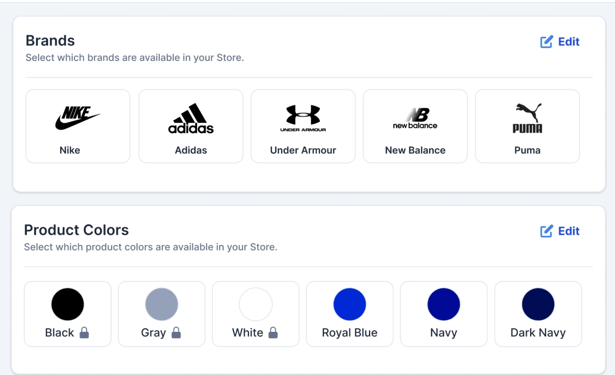
If you have any questions please don’t hesitate to reach out to our support team at store.support@snapraise.com.