
Follow these steps to upload a sponsor image within the app:
1. From the sidebar navigation, click "App Content" and then "Sponsors".
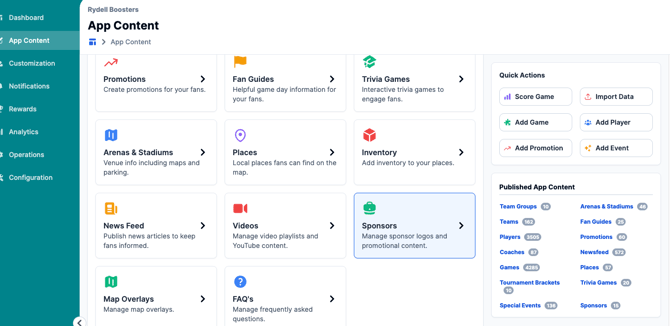
2. The next screen will display quick links to upload a sponsor image. If a section does not have a sponsor image, no sponsor will show within the app in the corresponding section.
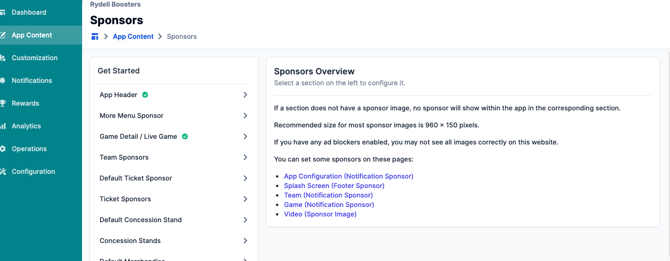
3. Click on the desired placement from the quick links section to update accordingly.
A few quick notes:-
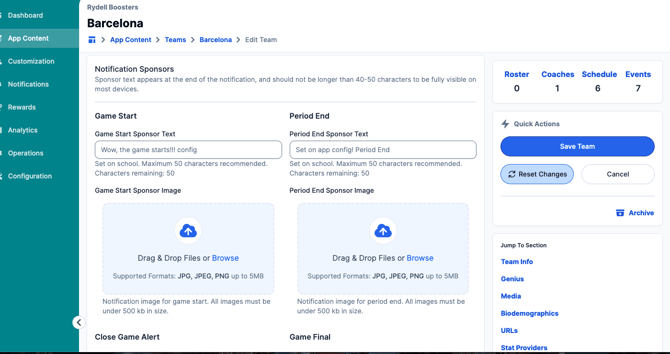
Team (Notification Sponser) will redirect you to your Teams list. Click into the appropriateteam and click "Edit Team". Then, scroll down to "Notification Sponsors" and uploadthe image.
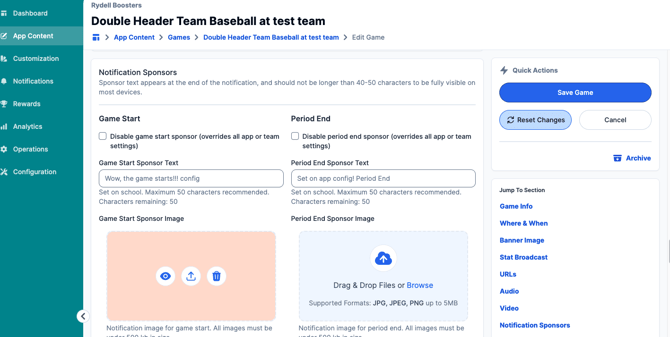
- Game (Notification Sponsor) will redirect you to your Games. Click into the appropriate game and click "Edit Game". Then, scroll down to the "Notification Sponsors" section to upload the image.
- Video (Sponsor Image) will redirect you to the New Feed Video section in the app portal. Click into the video and then "Edit News Video" to add an image.
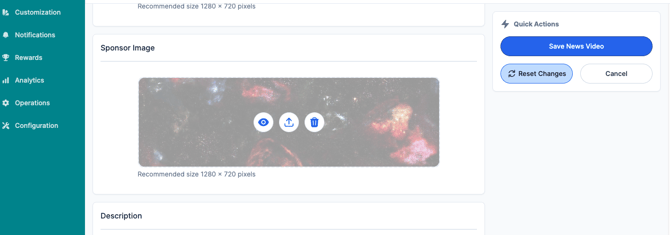
Be sure to save your changes once done!
Still have questions? Please submit a ticket to FanX Support via fanx.support@snapraise.com.