

What is the Insights Homepage?
The Insights Homepage gives you a full overview of your organization’s fundraising performance, including active, upcoming, and past campaigns.
How do I view data for a specific organization?
Select the organization you’d like to view (such as a district or booster club). You’ll then be taken to its overview page.
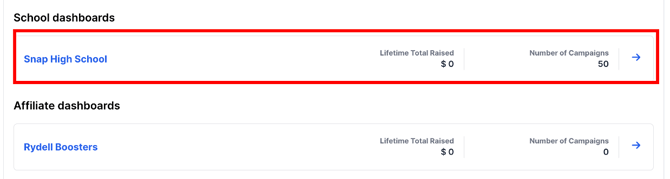
What information is shown on the overview page?
You’ll see:
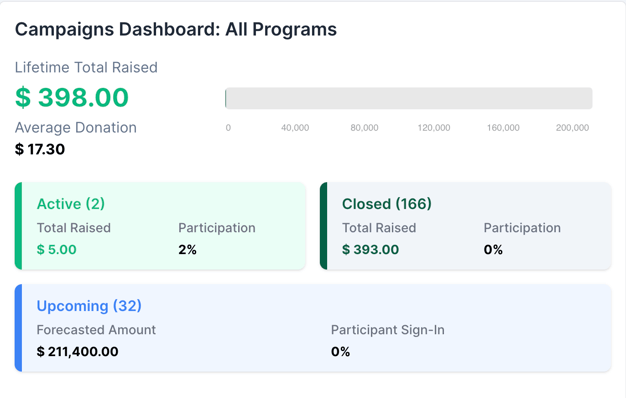
- Campaigns Dashboard: All Programs
- Action Center
- General Donations Map
- Shortcuts
- Analytics
- Campaign list
Continue on in this article to see a breakdown of each of those features -->
Campaigns Dashboard: All Programs
The dashboard provides a high-level overview of all fundraising programs, including:
- Lifetime total raised and average donation
- Active campaigns: current funds raised and participation rate
- Closed campaigns: total funds raised and participation
- Upcoming campaigns: forecasted fundraising amount and participant sign-in rate
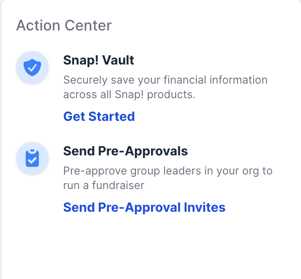
Action Center
The Action Center provides quick access to key actions, including setting up Snap! Vault to securely store financial information and sending Pre-Approval invites to group leaders to start fundraisers.
General Donations Map
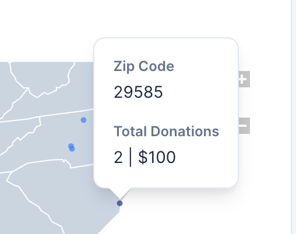
The donation map gives you a breakdown of where donations are coming from across the country.
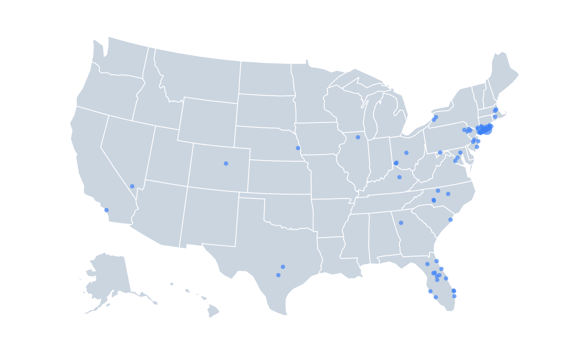
Hover over a blue dot to see the donor’s zip code and donation amount. No additional information is shown to protect donor privacy.
Shortcuts
-
Settlement Report: Takes you directly to the Reporting tab. See the Reporting article for more details.
- Donations: Takes you to the Donations report within the Reporting tab. Also see the Reporting article to learn more
Analytics
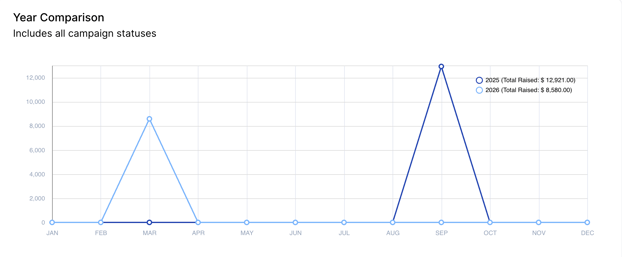
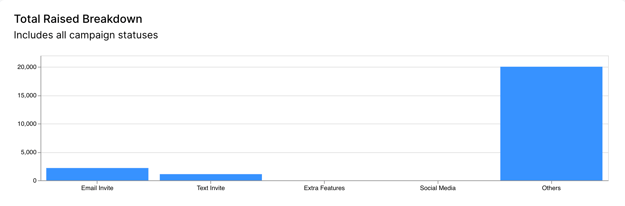
The Analytics section provides a year-over-year comparison of fundraising performance and an in depth breakdown of donation origin (email invite, text invite, etc).
Campaign list
The campaign list will show you any campaign that has run under that organization that is either upcoming, active, or closed.